
BIM planning with real geodata — for every discipline.
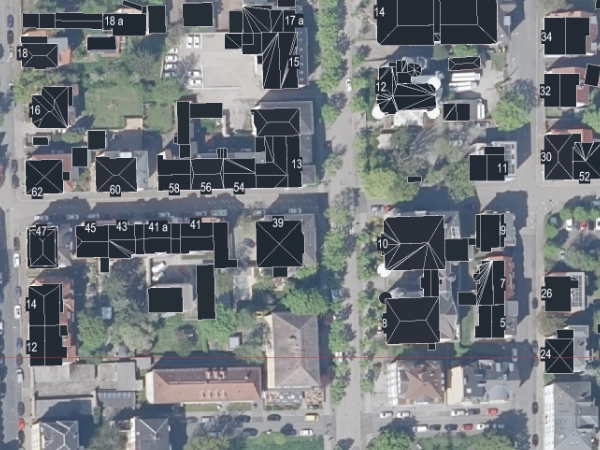
GeoBridge brings DGM, DOP, CityGML and Shapefile straight into your Revit project.
Four geo formats, straight into Revit.
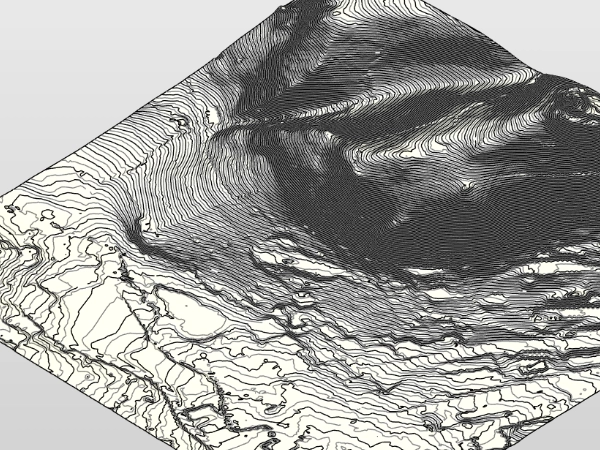
DGM
Digital terrain model. Elevation grid for terrain modeling.
DGM
Digital terrain model. Elevation grid for terrain modeling.
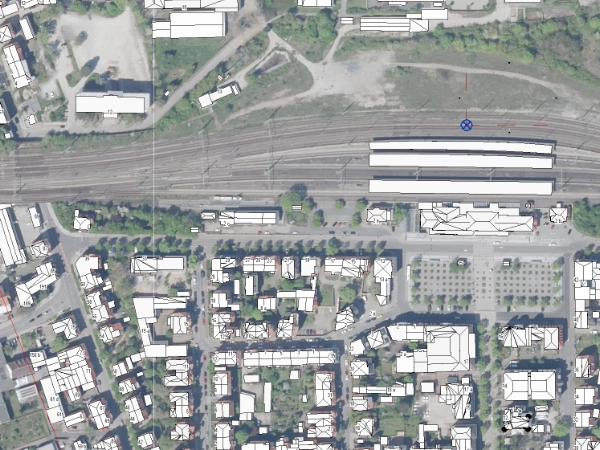
DOP
Digital orthophoto. Georeferenced aerial imagery.
DOP
Digital orthophoto. Georeferenced aerial imagery.
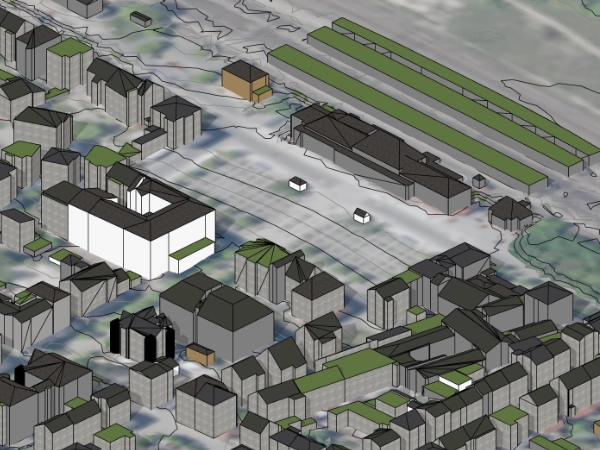
CityGML
3D city models per OGC standard. Buildings in LoD1 / LoD2.
CityGML
3D city models per OGC standard. Buildings in LoD1 / LoD2.
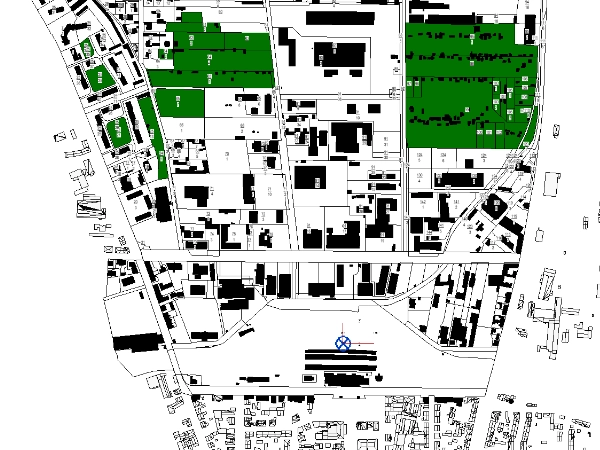
Shapefile
Vector geodata (GeoJSON, Shapefile, KML, CSV, GeoPackage). Parcels, cadastre, ALKIS — import and export (Pro).
Shapefile
Vector geodata (GeoJSON, Shapefile, KML, CSV, GeoPackage). Parcels, cadastre, ALKIS — import and export (Pro).
Who works with GeoBridge.
Right on the workstation. No cloud.
All geodata is processed locally inside your Revit. GeoBridge sends no geospatial or project data to LichtBus or third parties, no telemetry. The Free edition contains no network code and sends nothing. The Pro edition runs a one-time entitlement check with Autodesk at startup — only your Autodesk user ID and the app ID are transmitted to Autodesk, nothing to LichtBus.
The lichtbus.de platform only processes what you actively send (tickets, requests). Plugin and platform are separate.
Born in real BIM planning practice.
A bug, a missing format, or a dataset that will not import — write to me. Attach the file straight to the ticket.
No password needed. You get a login link by email — your address is the key.
Want to look it up first? Quick help and troubleshooting